
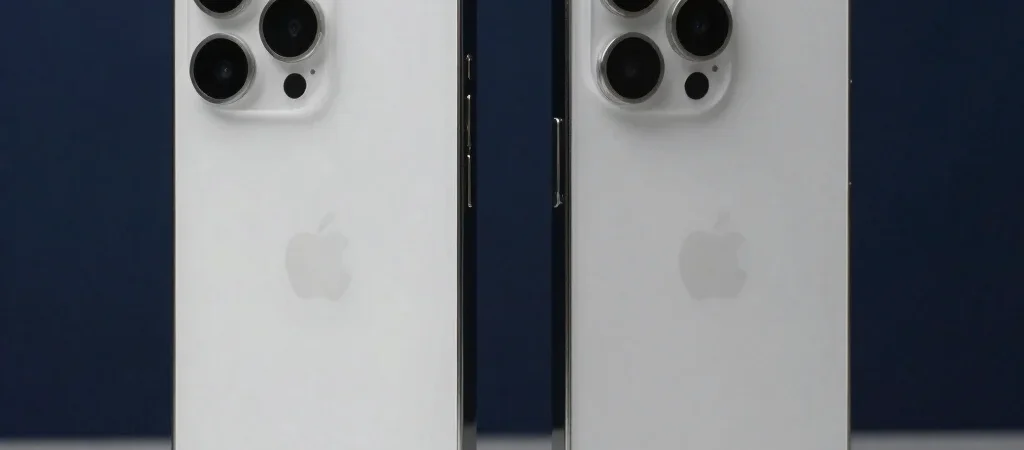
A camera comparison gets less useful the moment it stops at megapixels. That number describes image resolution, but it doesn’t tell you how consistently a phone focuses on a moving child, switches between lenses, or handles a dim restaurant. The better question is which camera choices fit the pictures you take most.
Start With Your Usual Shots
Think about the scenes that fill your camera roll: daylight walks, indoor gatherings, pets in motion, or faraway details at a game. A phone with several rear cameras may offer more framing options, while a simpler setup may be enough if you mostly take ordinary wide-angle photos. Compare the available lenses and their stated focal lengths rather than assuming every camera on the back is equally useful.
Look Past Resolution
Stabilization can help reduce blur from small hand movements, especially in slower exposures, but it cannot freeze a person who is moving. Autofocus behavior and how the camera handles low light matter too. When possible, compare sample photos of the same kind of scene, paying attention to faces, fine detail, and whether bright areas lose texture.
Check the Whole Camera Experience
A useful comparison includes how quickly the camera opens, whether switching lenses feels smooth, and how much control the camera app offers. Video features deserve their own check: recording resolution alone says little about stabilization, audio options, or how easily you can change framing while recording. Choose the phone whose strengths match your habits, not the longest spec sheet.
Before deciding, write down two or three scenes you care about and compare phones against those specific needs. Some links in this article may be affiliate links, which can earn Smart Reviews a commission at no additional cost to you.